
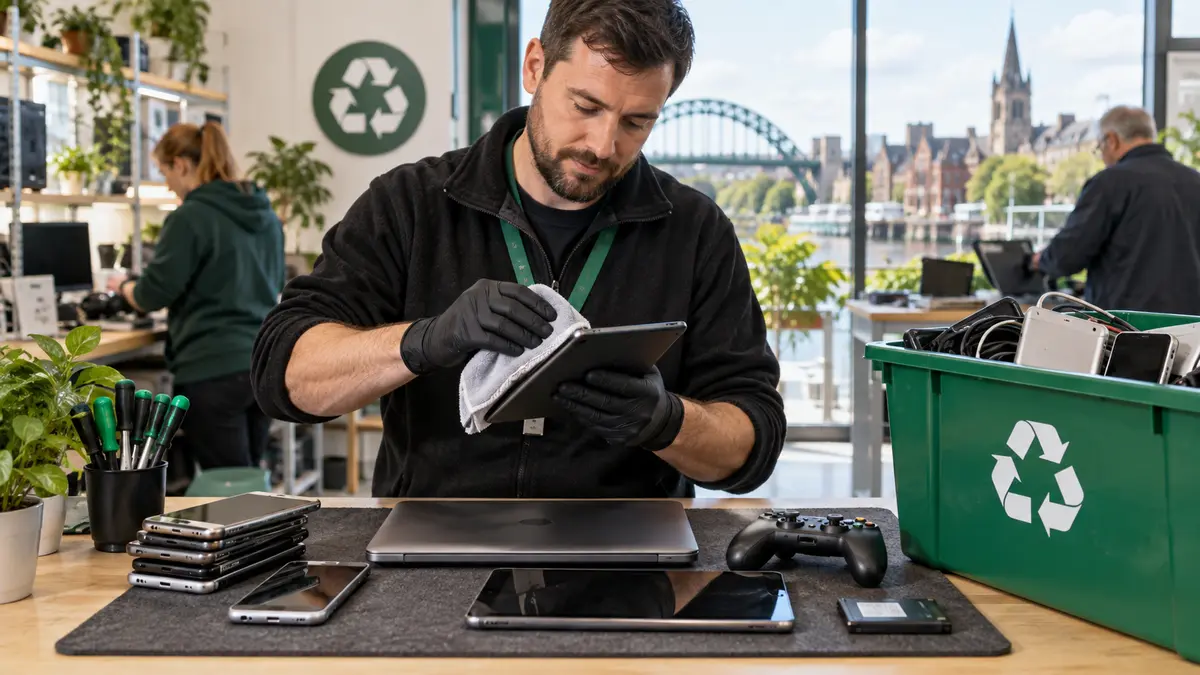
Old phones, tablets, laptops and games consoles often spend years in drawers because people are unsure what to do with the information, batteries and accessories inside them. Before donating, selling or recycling any device, take a few careful steps to protect your data and make the equipment safer to handle.
Start by deciding whether it can be reused
A slow or damaged device is not automatically ready for recycling. A replacement battery, storage upgrade, software clean-up or minor repair may give it a useful second life. If it is no longer suitable for you, a working device might still help a family member, community organisation or specialist refurbisher.
Back up anything you want to keep
Copy photographs, contacts, documents and account information before resetting the device. Check the backup from another device where possible; seeing a successful message is not the same as confirming that the files can actually be opened. For computers, remember browser bookmarks, email archives, saved game files and specialist software data.
Remove accounts and personal information
- Sign out of Apple, Google, Microsoft and manufacturer accounts.
- Turn off activation locks and device-finding services.
- Remove SIM cards and removable memory cards.
- Perform the correct factory reset or secure erase.
- Remove the device from your online list of trusted equipment.
If a device will not start, do not assume its data is inaccessible. Storage may still contain personal information. Ask for advice before passing it on, particularly when the device held business records, customer details or financial documents.
Take batteries seriously
Never crush, bend or puncture a lithium battery. Stop using a device if its casing is lifting, the battery looks swollen, it becomes unusually hot or there is a chemical smell. Do not place electronic equipment or batteries in ordinary household waste. Use an appropriate electrical-waste or battery collection point and tell staff when a battery is damaged.
Keep useful accessories together
Chargers, styluses, docks, controller cables and recovery media can make donated equipment far more useful. Remove anything that belongs to another device and label unusual accessories clearly.
Unsure what to do?
The Tech Surgery can advise whether repair, reuse or responsible recycling is the sensible next step. Visit us at 59 Westoe Road, South Shields, NE33 4LU, open daily 9am–5pm, or call 0191 427 0857.
Further information and trusted sources
For additional guidance, visit:
External guidance can change over time. Check the linked organisation’s latest information and the instructions for your exact device.