
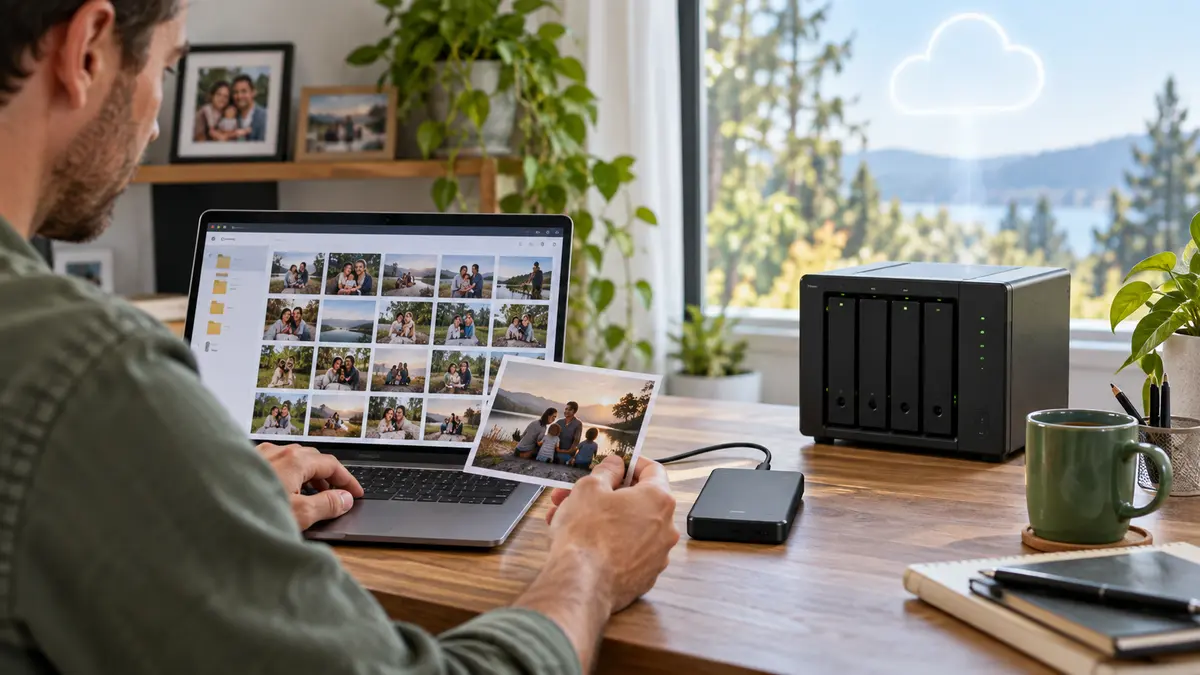
A backup is only useful if it survives the same accident as the original. Keeping every copy on one laptop, or leaving an external drive permanently beside it, may not protect you from theft, liquid damage, electrical failure or ransomware. The 3-2-1 approach is a simple way to build more resilient protection.
What does 3-2-1 mean?
- 3 copies: your working copy plus two backups.
- 2 different types of storage: for example a computer and an external drive, or local storage and a reputable cloud service.
- 1 copy elsewhere: kept away from the original location.
This is a principle rather than a product. The best setup depends on how much information you have, how quickly it changes and how serious losing it would be.
Choose what really needs protecting
Start with irreplaceable photographs, family videos, business records, coursework, creative projects and account-recovery information. Programs and games can often be downloaded again; personal files may be impossible to recreate. Make a short priority list before choosing storage.
Automatic and manual backups can work together
Automatic backups reduce the chance of forgetting, while a disconnected external copy can provide protection from accidental deletion or malicious software. If an external drive remains connected constantly, ransomware or a power problem may affect it too. Connect it for the backup, verify the result and disconnect it when appropriate.
Check that recovery actually works
A green tick is reassuring, but occasionally open files from the backup and confirm recent folders are present. Understand how to restore a complete device and how to retrieve a single deleted file. Keep encryption keys and recovery codes safe; an encrypted backup without its password may be unusable.
Common mistakes to avoid
- Using synchronisation as the only backup—deletions may synchronise too.
- Keeping every copy in the same bag or building.
- Backing up an empty folder because the real files are stored elsewhere.
- Ignoring phones and tablets while protecting only the computer.
- Waiting until a device begins failing.
Build a routine you can maintain
A simple, tested backup that runs regularly is better than a complicated system that is never used. The Tech Surgery can help South Shields customers review storage, recover accessible data and create a practical backup plan. Visit 59 Westoe Road, NE33 4LU, open daily 9am–5pm, or call 0191 427 0857.
Further information and trusted sources
For additional guidance, visit:
External guidance can change over time. Check the linked organisation’s latest information and the instructions for your exact device.