
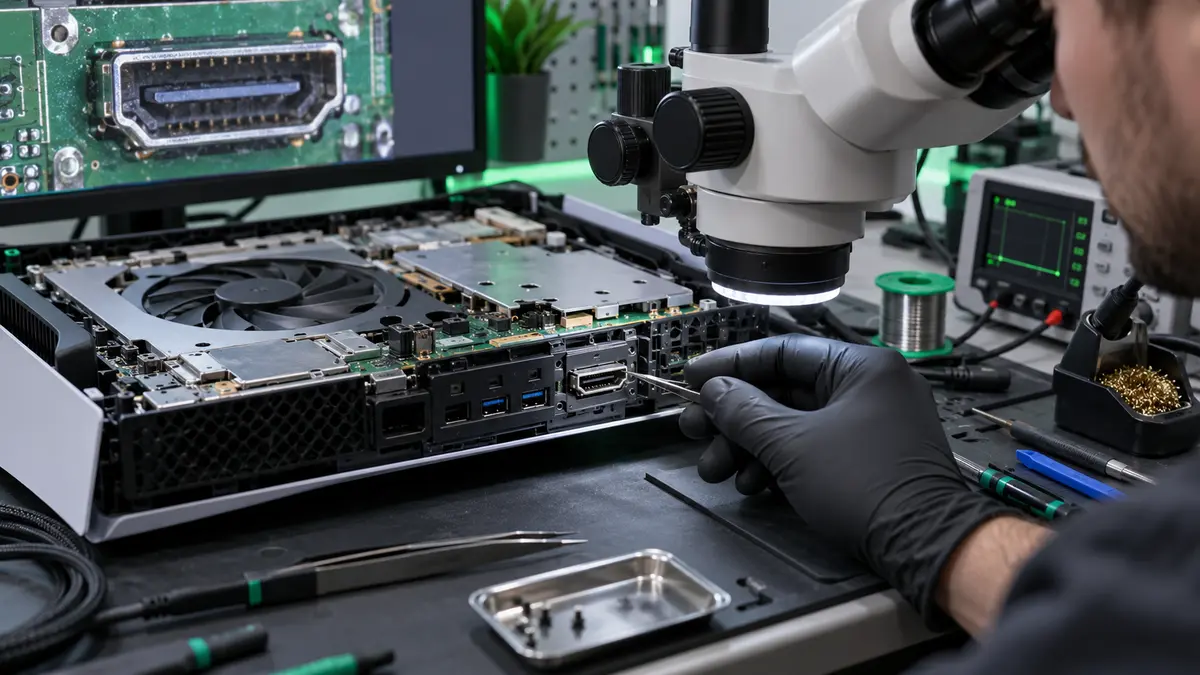
An HDMI fault can make a games console appear completely dead even when it is starting normally. The screen may show “no signal”, flicker, display coloured lines or work only when the cable is held at an angle. Because several problems can produce similar symptoms, careful checks are safer than repeatedly forcing cables or attempting an unsuitable repair.
Common signs of an HDMI problem
- No picture while the console lights and sounds appear normal.
- An image that cuts out when the cable moves.
- Flickering, sparkles, unusual colours or intermittent sound.
- A bent, loose or visibly damaged socket.
- The television recognises a device but cannot display a stable image.
Rule out the simple causes first
Try a known-good HDMI cable and a different television input. If possible, test another screen. Fully power down the console and display rather than relying on standby. Check the television is using the correct source and remove splitters, capture devices or adapters temporarily.
Do not repeatedly insert a cable if the socket feels obstructed or loose. Bent pins and damaged internal contacts can worsen, and movement may transfer force to the circuit board.
The socket is not the only possibility
HDMI encoder components, filters, power rails, software display settings and board damage can all affect video output. A console dropped with the cable connected may damage both the port and the soldered connections underneath it. Liquid contamination or a previous repair can complicate diagnosis.
What not to do
- Do not push tools into the socket while the console is powered.
- Do not bend the cable to force a temporary picture.
- Do not apply heat with a household heat gun or oven.
- Do not buy a replacement port before confirming the correct model.
- Do not continue powering a console that smells burnt or becomes unusually hot.
Why HDMI replacement requires specialist work
The connector is attached to a multi-layer circuit board with small pads and nearby components. Correct removal and installation require controlled heat, suitable tools, magnification and inspection. Lifting pads or disturbing adjacent parts can turn a repairable fault into extensive board damage.
Before bringing the console in
Bring the console, power cable and the HDMI cable used when the problem started. Explain whether it was dropped, moved while connected or previously repaired. The Tech Surgery repairs HDMI and other console faults at 59 Westoe Road, South Shields, NE33 4LU. We are open daily 9am–5pm; call 0191 427 0857 or book online.
Further information and trusted sources
For additional guidance, visit:
- PlayStation Support: PS5 picture and sound troubleshooting
- Xbox Support: console system troubleshooting
External guidance can change over time. Check the linked organisation’s latest information and the instructions for your exact device.