
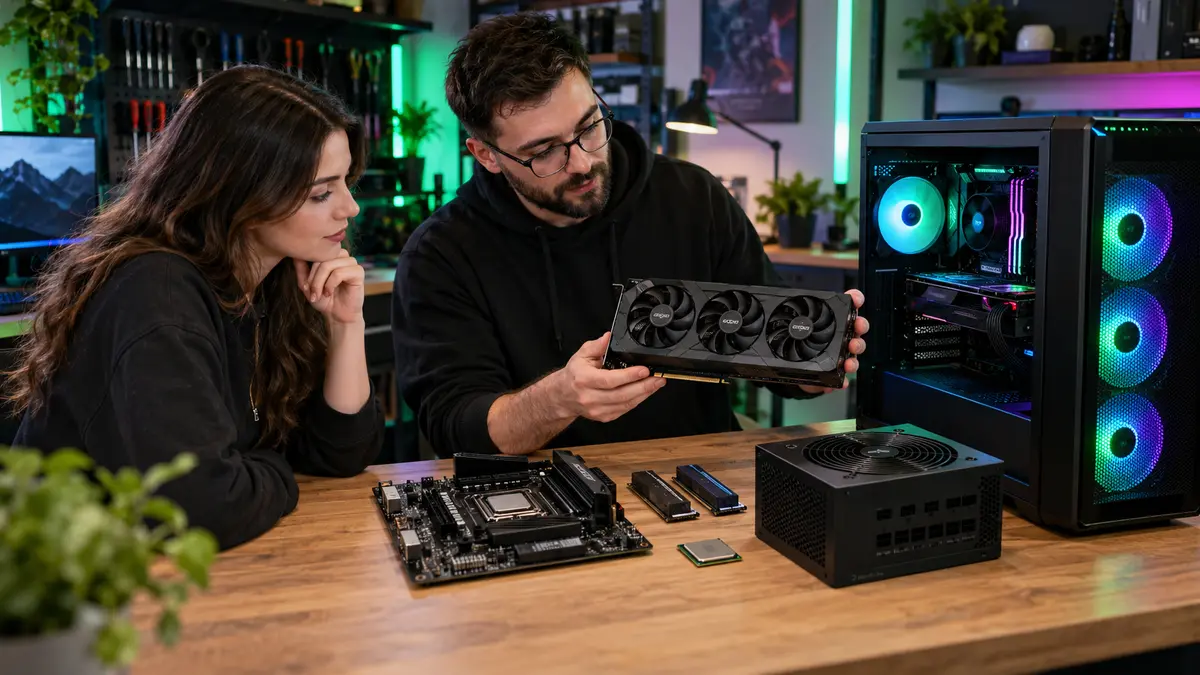
A good custom gaming PC is not the machine with the longest specification list. It is a balanced system built around the games you play, the monitor you use, the appearance you want and the amount you can comfortably spend. Planning those priorities first prevents money disappearing into parts that make little difference to your experience.
Begin with games, resolution and frame rate
Competitive games at high frame rates can place different demands on a system than detailed single-player games at 4K. List the games you play now and anything important you expect to play soon. Include other workloads such as streaming, video editing, music production or design software.
Match the PC to the monitor
A powerful graphics card can be wasted on a basic display, while an ambitious high-resolution monitor may expose the limits of a modest GPU. Resolution, refresh rate, adaptive-sync support and the connection type should be considered together. Sometimes reserving part of the budget for a better monitor improves the overall setup more than another component upgrade.
Balance the core components
The processor and graphics card usually shape gaming performance, but memory, storage, cooling, motherboard features and the power supply affect reliability and usability. A quality power supply with suitable capacity is not the exciting part of a build, but it protects the entire investment. Cooling should suit the hardware and case rather than being chosen only for appearance.
Spend where it matters
- Prioritise the graphics card for visually demanding games.
- Choose enough memory for current games and multitasking.
- Use fast solid-state storage with room for updates and recordings.
- Select a case with sensible airflow and space for future parts.
- Avoid paying for motherboard features you will never use.
- Budget for Windows, peripherals and assembly where required.
Plan a sensible upgrade path
Future-proofing has limits, but standard components, spare storage connections, adequate power capacity and accessible cooling can make later upgrades easier. It is often better to build a well-balanced system now than overspend on one premium part while compromising everything around it.
Style without sacrificing airflow
RGB lighting, cable colours, vertical graphics cards and themed builds can create something genuinely personal. The visual plan should still allow fans to move air, cables to remain secure and components to be serviced.
Build with clear priorities
The Tech Surgery designs and assembles custom gaming PCs in South Shields, with component choices explained in plain language. Explore our PC builder or visit 59 Westoe Road, NE33 4LU, open daily 9am–5pm. Call 0191 427 0857 to discuss your games, budget and preferred style.
Further information and trusted sources
For additional guidance, visit:
External guidance can change over time. Check the linked organisation’s latest information and the instructions for your exact device.