
Controllers work hard. Analogue sticks, buttons, charging sockets and triggers are used thousands of times, carried in bags and sometimes dropped. When a controller begins moving by itself or disconnecting unexpectedly, the cause may be wear, contamination, physical damage, a cable problem or software configuration.
What stick drift looks like
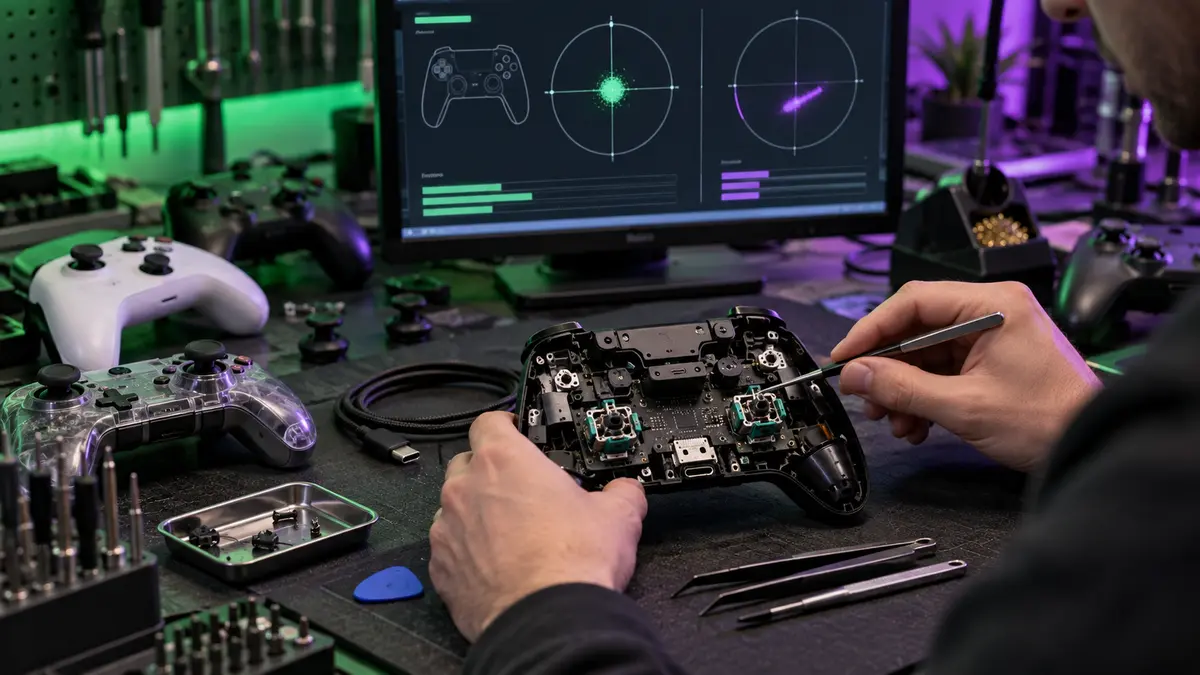
Stick drift occurs when a game detects movement even though the analogue stick is centred. Characters may walk by themselves, cameras may rotate or menu selections may move without input. Before assuming the controller needs parts, test it in another game and check any calibration or dead-zone settings.
Safe first checks
- Restart the console or computer and reconnect the controller.
- Install available controller and system firmware updates.
- Test wired and wireless modes where supported.
- Try a known-good data-capable cable, not only a charging cable.
- Check for obvious dirt around the stick without pouring cleaner inside.
- Reset or recalibrate only using the manufacturer’s supported process.
Charging and connection faults
A controller that charges intermittently may have a worn cable, debris in the socket, battery wear or port damage. If the plug must be held at an angle, stop forcing it. Continued movement can damage the connector or circuit board. Wireless drop-outs may also be caused by interference, distance, power-saving settings or another paired device.
Buttons, triggers and bumpers
Sticky buttons can result from contamination or damaged membranes. Triggers and bumpers may use small springs, hinges or switches that wear or break after repeated use. A repair should address the actual failed component and include testing across the controller’s full range of inputs.
Avoid risky internet shortcuts
Spraying large amounts of contact cleaner into a controller, forcing the stick, drilling plastic or heating components can cause more damage. Opening a controller without the correct tools can tear cables and damage clips. Warranty seals and manufacturer support should also be considered before repair.
Repair or replace?
Repair can make sense for premium, limited-edition and otherwise healthy controllers. Replacement may be better when there is extensive liquid damage, a cracked frame and several worn controls. An assessment helps compare the likely repair with the cost and availability of a replacement.
Controller repairs in South Shields
The Tech Surgery diagnoses stick drift, charging faults, buttons and other controller problems. Bring the controller and any cable involved to 59 Westoe Road, South Shields, NE33 4LU. We are open daily 9am–5pm. Call 0191 427 0857 or use our online booking page.
Further information and trusted sources
For additional guidance, visit:
- Xbox Support: controller help
- PlayStation Support: DualSense controller troubleshooting
- Nintendo Support: controller troubleshooting
External guidance can change over time. Check the linked organisation’s latest information and the instructions for your exact device.